Ready cheque templates
Start with built-in Indian bank layouts and adjust positions for your printer once.
 Cheque Print Studio
Made for Indian offices
Cheque Print Studio
Made for Indian offices
Cheque printing made precise
Cheque Print Studio gives your office ready bank templates, payee history, amount-in-words support, print alignment, and bulk cheque workflow in one focused desktop tool.
Download for Windows
Download the Windows setup file, install the desktop app, choose your bank template, and run a test print with your printer alignment.
Everything your accounts desk needs
Start with built-in Indian bank layouts and adjust positions for your printer once.
Enter the payee name clearly and reuse saved names for faster daily cheque entry.
Convert numeric values into cheque-ready wording with clear rupee formatting.
Set account payee marking and bearer-related placement according to your cheque format.
Print the cheque date in the correct position with spacing suited to date boxes.
Adjust font family, size, bold, italic, underline, and date digit spacing when activated.
Move printing slightly left, right, top, or bottom so every field lands exactly where it should.
Use guided printing when you want more control over printer dialog and tray settings.
Prepare multiple cheques, review entries, choose print method, and print in one controlled office workflow.
Load bulk cheque entries from Excel-style files and review them before printing.
Save printed cheque data for office records, follow-up, and accounting reference.
Use the app and guides in multiple languages for smoother office setup and daily use.
Load your own bank cheque image, set field positions, and save it for future use.
Runs as a desktop app, keeping day-to-day cheque work close to your office system.
Your cheque work stays on your office computer instead of depending on an online service.
Bank layouts included
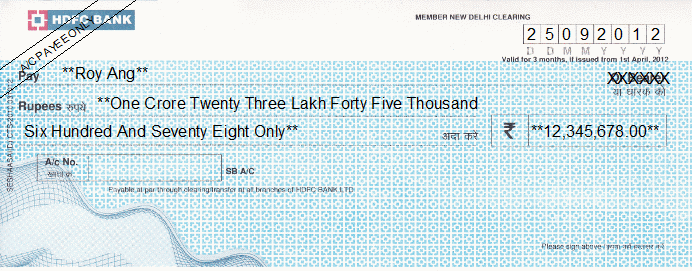
The software includes sample layouts for popular banks and makes it simple to add custom templates for your own branch cheque book.
Ask for your bank layout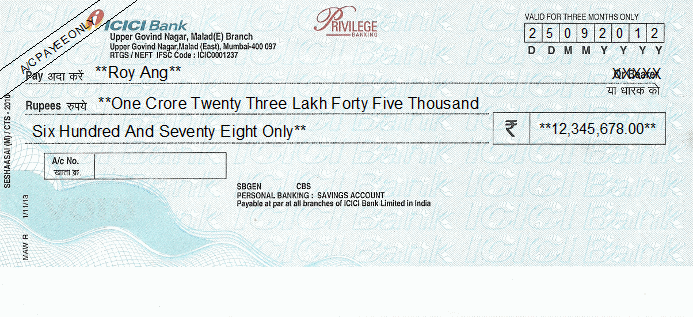
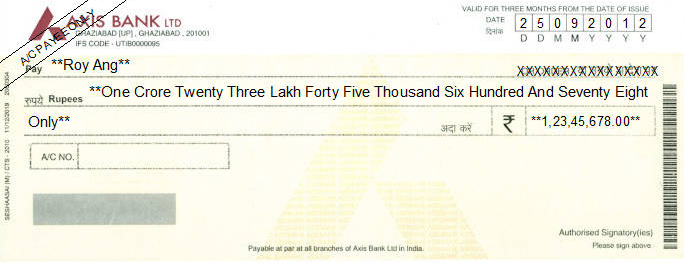
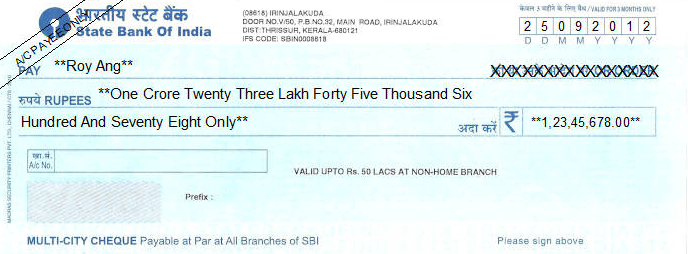
These ready layouts are included as preset examples. If your cheque format is different, you can add your own custom template in the software.
Simple workflow
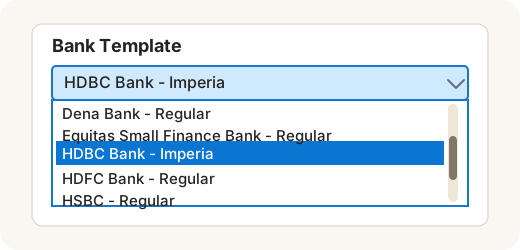
Choose your cheque layout and confirm printer alignment.
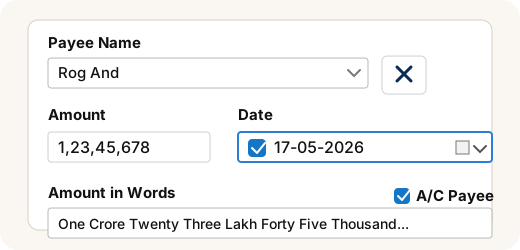
Pick saved payees or add fresh payment details.
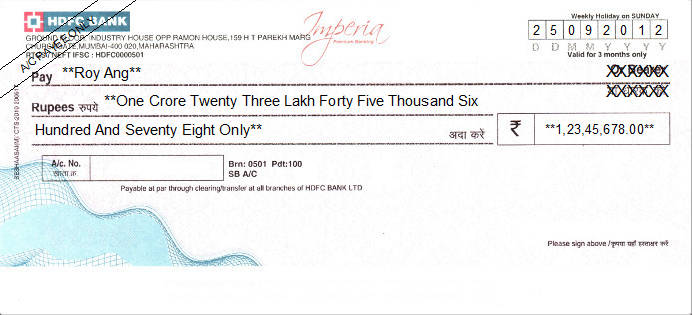
Check date, words, amount, and payee placement.
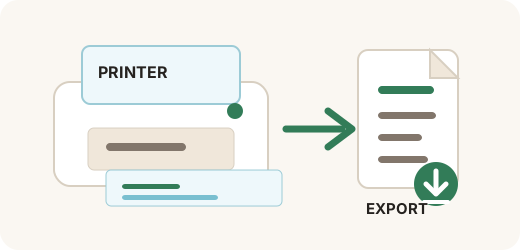
Send to printer and keep your usage history organized.
Fixed pricing
Start with the trial version, confirm your bank template and printer setup, then activate the subscription plan that fits your office.
Rs. 2,000 Rs. 1,000
Best for testing and regular office cheque printing for one year.
Purchase 1 yearRs. 3,000 Rs. 1,500
Better value for long-term office use with two-year activation.
Purchase 2 yearsReady for your office?
Share your bank name, cheque size, and printer model. We can help prepare the correct layout.